LinqTV Blog
What’s New in Roku OS 13.0 – A Sneak Peek?
Recently, Roku has announced the Roku OS 13.0 update, and the first beta of the operating system has been released to developers. The Roku OS update has come with several significant updates giving priority to an enhanced user experience. andhellip; Continue reading andrarr;
This page breaks down Whats NEW Roku OS 13 for streaming and media teams: the core idea, the practical workflow, and the decisions that affect cost and viewer experience.
Understanding Whats NEW Roku OS 13
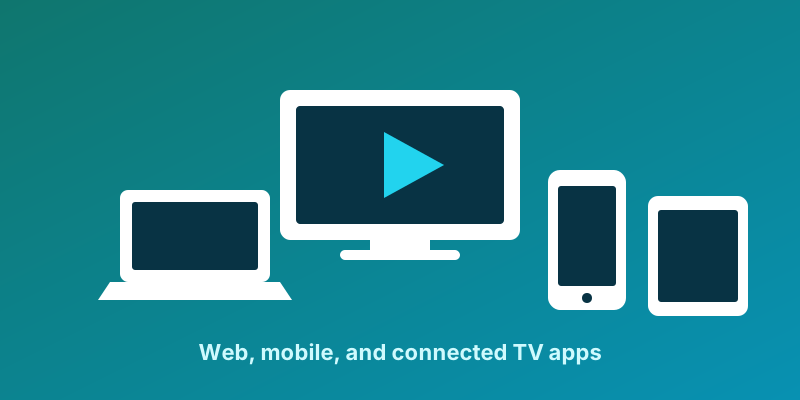
Whats NEW Roku OS 13 puts your catalog on the big screen and in every pocket through device-native applications. In streaming terms, multi-device apps sits at the center of how audiences discover, watch and pay for your content.
The workflow behind Whats NEW Roku OS 13
Apps are published to the relevant stores, updated centrally, and share one identity and billing layer so a subscription bought on the web unlocks the TV app instantly.
A shared backend powers native apps built to each platform store guideline, so sign-in, entitlements and continue-watching follow the viewer from phone to living-room TV. Each app is tuned to its remote, input model and store certification rules.
Key benefits
- Store-compliant builds and managed certification submissions
- Native apps for Roku, Fire TV, Apple TV, Android TV, Samsung, LG and more
- Single sign-on and shared watch history across every device
- Casting via Chromecast and AirPlay plus game-console apps
Getting it right
- Design for the remote and 10-foot UI on TV, not just touch
- Budget for store certification timelines on each TV platform
- Test real devices, since codec and DRM support varies by model and year
Where LinqTV fits
LinqTV ships and maintains native apps for web, mobile and every major TV platform from a single content backend, with shared sign-in and watch history.
Running these capabilities on one platform lowers total cost of ownership and removes the integration debt of stitching separate vendors together.
Common questions
Does it work for both live and on-demand?
Yes. The platform supports live events, on-demand catalogs, audio and linear channels with shared identity, billing and analytics.
How quickly can we launch?
Most teams pilot in a matter of weeks by importing a representative content set, configuring a monetization model, and testing playback on their top devices, then expand from there.
Take the next step
Ready to put multi-device apps to work? Explore LinqTV One for an end-to-end streaming platform, or talk to our team for a tailored walkthrough of how Whats NEW Roku OS 13 fits your roadmap. The links below are a good place to start.
Explore more on LinqTV